
How to build Pedro 2.0
4-DoF desktop robot arm · Intermediate
Build Pedro, a small 3D-printed 4-servo STEM robot arm with its own ATmega32U4 board, Arduino firmware and free classroom lessons. OSHWA certified FR000025.
Some soldering, calibration and Linux comfort needed.
Our estimate, part-time
Price the BOM yourself
Apache-2.0
What is Pedro 2.0?
Pedro is a small, 3D-printed four-servo arm for schools and beginners, created by almtzr and OSHWA-certified as FR000025. It's an ecosystem rather than a single model: the printable parts, the controller board, the firmware and the STEM lessons each have their own repository.
The Pedro board is an ATmega32U4 design programmed like an Arduino Pro Micro. Its on-board buttons select and move each servo, so you can drive the arm without a computer.
Pedro 2.0 specifications
- Servos
- 4 (pins D5, D6, D9, D10)
- Controller
- Pedro board (ATmega32U4)
- Programming
- Arduino IDE
- 40% infill
- Certification
- OSHWA FR000025
Figures as published by the project. See Sources below.
Bill of materials
| Part | Qty | Notes |
|---|---|---|
| Hobby servos | 4 | |
| Pedro board | 1 | Gerbers provided |
| 3D-printed parts | — | |
| Power source | — |
Where's the full bill of materials?
The full BOM, with exact quantities and vendors, lives in the project's own files. Prices change often, so treat Not published as a ballpark. Start at the project repository.
Tools you'll need
- 3D printer
- Small screwdrivers
- Arduino Pro Micro (as ISP)
- Arduino IDE
Step-by-step build overview
Electronics & wiring overview
The servos plug directly into the board headers. The buttons sit on analog pins.
Software
PedroFirmware for the Arduino IDE, plus a repository of STEM lessons.
Tips from the bench
- ☕ Burn the bootloader first, or the board won't show up in the IDE.
- ☕ Follow the per-part support settings.
Pedro 2.0 FAQ
Is Pedro good for kids?
Yes. It's designed for STEM classes.
Is it open source?
Yes, and it's OSHWA-certified (FR000025).
Sources
Written by Bots n' Beans from the project's own documentation. Check the sources for the latest revision before you buy parts.
Related builds
Robot deals
All deals → Get deal
Deal · Everblog
10% off
 Shop
ShopShop · CircuitMess
DIY robot kits
Robot and gadget kits you build yourself.
 Shop
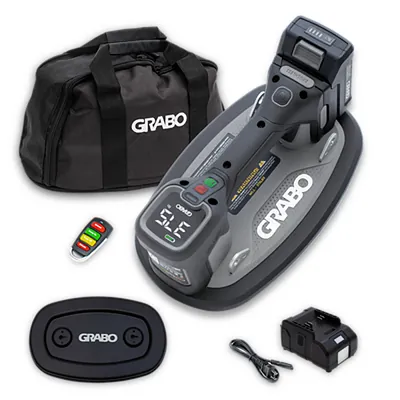
ShopShop · GRABO
Cordless vacuum lifter
GRABO Pro Brushless: the original cordless vacuum lifter for pavers, stone, glass and panels.
Like what we do? Buying through these links supports Bots n' Beans. We earn a commission at no extra cost to you. Thank you!